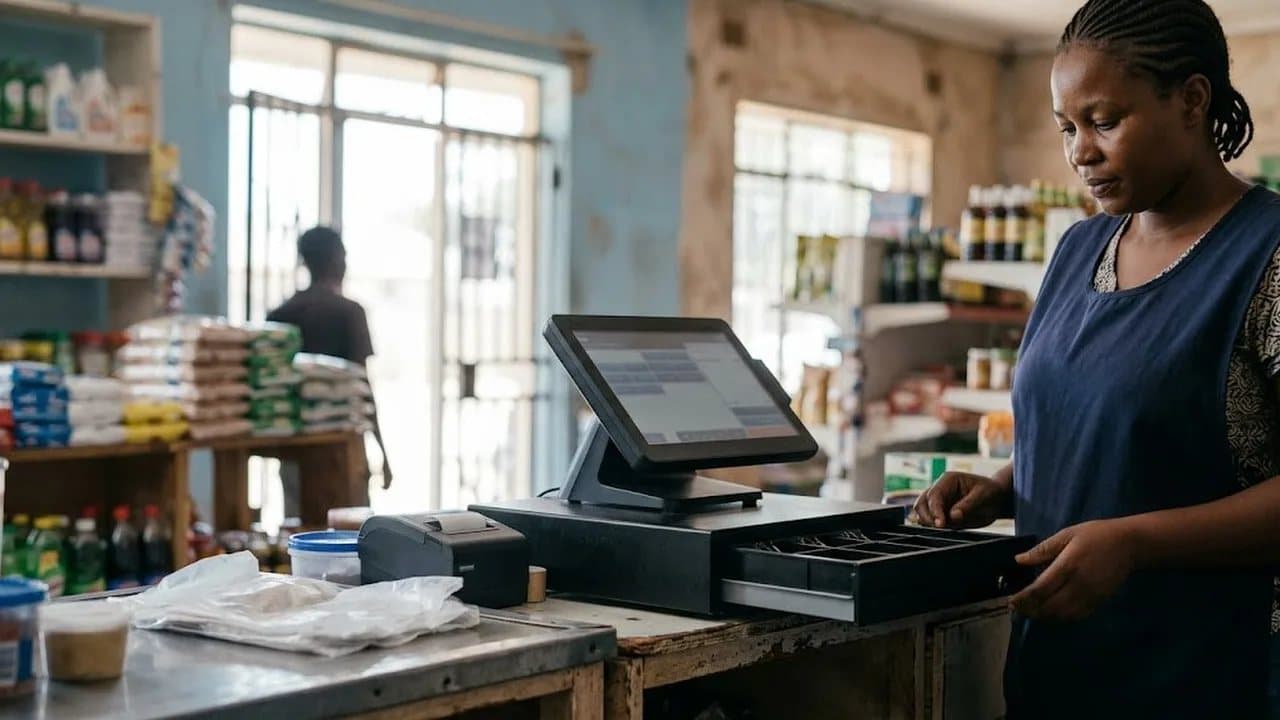
How to Accept Mobile Money Payments in Your Zimbabwe Business: 2026 Guide
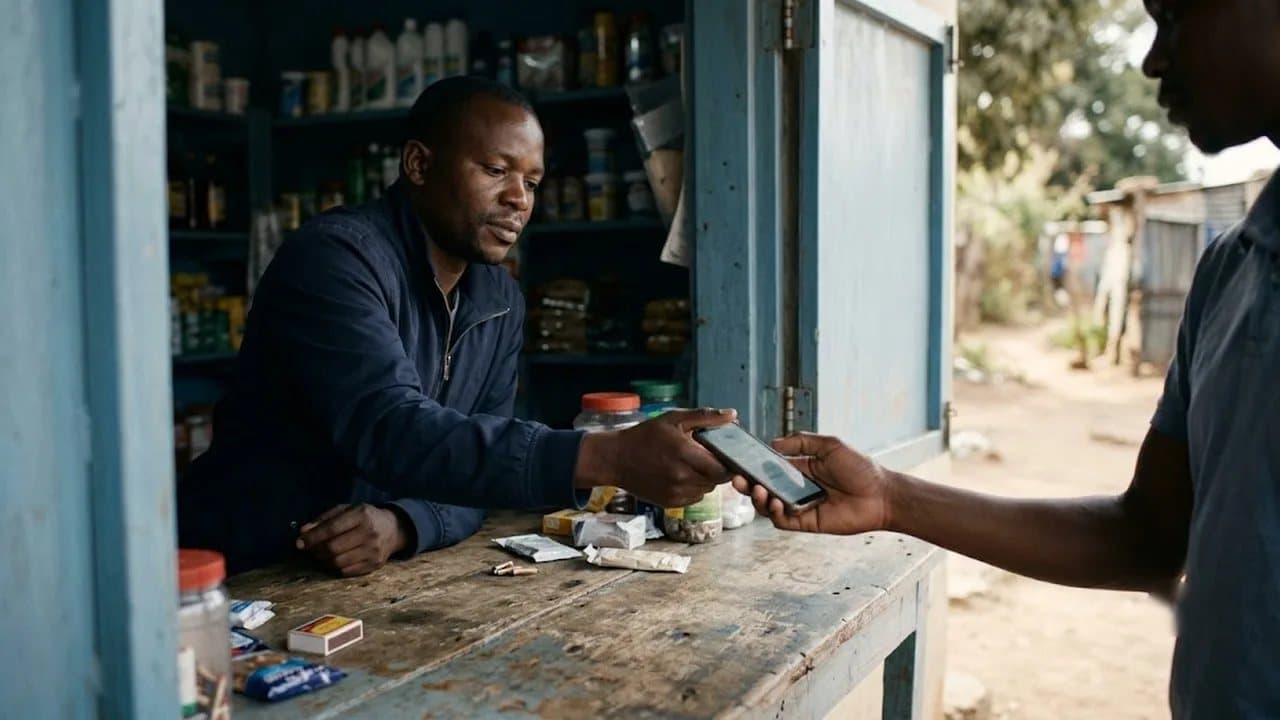
Cash is no longer king in Zimbabwe. Mobile money is.
With over 80% of financial transactions in the country now flowing through mobile wallets, any business that still operates on a cash-only basis is leaving money on the table — literally. Whether you run a tuckshop in Mbare, a restaurant in Avondale, or a chain of retail shops across Bulawayo, your customers expect to pay with their phones. EcoCash, InnBucks, and OneMoney are not just conveniences anymore. They are the default.
But accepting mobile money is not as simple as sticking a till number on the wall. If you want to track payments, reconcile your books, avoid fraud, and actually grow your business, you need a proper system in place.
This guide walks you through everything: from choosing the right mobile money providers to integrating them with a POS system that keeps your operations running smoothly.
Why Mobile Money Matters More Than Ever for Zimbabwe Businesses
Zimbabwe's mobile money ecosystem has exploded. EcoCash alone processes billions of dollars in transactions annually, and InnBucks has grown rapidly with its Visa card integration and expanding merchant network of over 270 locations nationwide. OneMoney, backed by NetOne, rounds out the trio of major platforms.
Here is the reality for business owners in Harare, Bulawayo, Mutare, and everywhere in between:
- Customers carry less cash. The multi-currency environment (USD and ZiG) makes cash handling complicated. Many people prefer the simplicity of tapping their phone.
- Speed matters. Mobile money payments settle faster than cheques or bank transfers. You get your money quickly.
- Record keeping improves. Every mobile money transaction creates a digital trail — useful for ZIMRA compliance, tax reporting, and your own bookkeeping.
- You reach more customers. Some shoppers will walk past your store if you only accept cash. Offering mobile money removes a barrier to purchase.
If you are not accepting mobile money in 2026, you are not just behind the curve — you are invisible to a growing segment of your market.
The Three Major Mobile Money Platforms in Zimbabwe
Before you start accepting payments, you need to understand your options. Each platform has different strengths, fees, and merchant sign-up processes.
EcoCash
EcoCash remains the dominant player, operated by Econet Wireless. It has the largest user base and the most established merchant network. To accept EcoCash as a merchant, you typically need to:
- Register as an EcoCash merchant through an Econet shop or authorised agent
- Receive a merchant till number or QR code
- Set up your payment acceptance method (USSD, QR, or integrated POS)
EcoCash supports both USD and ZiG wallets, which is essential for businesses dealing in multiple currencies. Transaction fees vary depending on your merchant agreement, but they are generally lower than card processing fees.
InnBucks
InnBucks has positioned itself as the challenger brand, and it is winning market share fast. Its Visa card integration means customers can use InnBucks for both local mobile payments and international transactions. For merchants:
- Register through the InnBucks Merchant App (available on Google Play)
- The cloud-based system lets you process payments, cash transfers, and withdrawals
- InnBucks has partnerships with major retailers like TM Pick n Pay, which signals growing mainstream adoption
InnBucks is particularly strong with younger, tech-savvy customers.
OneMoney
OneMoney, backed by state-owned NetOne, has a smaller but loyal user base. It offers similar merchant services:
- Register through NetOne offices or agents
- Accept payments via USSD or merchant codes
- Lower fees in some categories compared to EcoCash
The smart move for most businesses is to accept all three platforms. You do not want to turn away a customer because you only support one wallet.
How to Set Up Mobile Money Acceptance: Step by Step
Here is a practical, no-nonsense guide to getting mobile money payments flowing into your business.
Step 1: Register as a Merchant on Each Platform
Visit your nearest Econet, InnBucks agent, or NetOne office with:
- Your business registration documents (CR14 or equivalent)
- A valid national ID
- Proof of business address
- Your bank account details for settlement
Each platform will issue you a merchant code, till number, or QR code.
Step 2: Display Your Payment Details Clearly
Print your till numbers and QR codes and display them at every payment point. Customers should not have to ask how to pay — it should be obvious. Place signage at:
- The checkout counter
- The entrance to your shop
- On your price lists or menus (especially important for restaurants)
Step 3: Train Your Staff
Your team needs to know how to:
- Verify that a payment has been received before releasing goods
- Handle common issues (payment delays, wrong amounts, reversed transactions)
- Issue refunds through the merchant portal if necessary
This step is where many businesses stumble. A till number on the wall means nothing if your cashier does not know how to confirm the payment came through.
Step 4: Integrate with a POS System
This is where things get serious — and where most of the efficiency gains come from.
Manually checking your phone for each EcoCash notification is fine when you serve ten customers a day. But when you are processing dozens or hundreds of transactions, you need a POS system that:
- Records every mobile money payment automatically alongside cash and card transactions
- Matches payments to specific sales so your books balance at the end of the day
- Generates reports showing exactly how much came in through EcoCash vs InnBucks vs cash
- Handles multi-currency pricing — showing prices in both USD and ZiG and accepting payment in either
A modern POS system like Statotech POS is built specifically for the Zimbabwe market. It handles USD and ZiG transactions, supports mobile money payment recording, works offline when your internet drops (a daily reality for many businesses), and produces the kind of reports that make ZIMRA compliance straightforward. If you need real-time exchange rate data for pricing, ZimRate provides a free API that integrates directly.
Step 5: Reconcile Daily
At the end of each business day:
- Compare your POS records against your mobile money statements
- Flag any discrepancies immediately
- Keep records for at least six months (ZIMRA requires this)
If your POS system tracks mobile money payments properly, reconciliation takes minutes instead of hours.
Common Mistakes to Avoid
Businesses across Harare and Bulawayo make the same mistakes when accepting mobile money. Here is what to watch out for:
1. Not verifying payments before handing over goods. Fraudsters can show fake confirmation screens. Always check your merchant account or POS system — never trust a customer's phone screen alone.
2. Only accepting one platform. If you only take EcoCash, you lose InnBucks customers and vice versa. Accept all major platforms.
3. No record keeping. Mobile money notifications are not accounting records. Without a POS system or proper ledger, you will struggle during tax season and ZIMRA audits.
4. Ignoring transaction fees. Mobile money is not free. Factor transaction fees into your pricing so they do not eat your margins. Understand your fee structure for each platform.
5. Failing to train staff. Your newest hire should know how to handle a mobile money payment as confidently as your most experienced cashier.
Mobile Money and Multi-Currency: The Zimbabwe Challenge
One of the trickiest aspects of accepting mobile money in Zimbabwe is the multi-currency environment. Your customers might want to pay in USD via EcoCash, or in ZiG via InnBucks. Your prices might be listed in one currency but paid in another.
This is where having the right software matters enormously. You need:
- Real-time exchange rates so you can price accurately in both currencies. The official rate and the parallel market rate can differ significantly, and getting this wrong costs you money on every transaction.
- Automatic conversion tracking so your books reflect the actual value received, not just the nominal amount.
- Multi-currency reporting so you know your true revenue regardless of which currency customers used.
ZimRate tracks live USD-to-ZiG exchange rates and provides this data through a free API. Combined with a POS system that supports multi-currency operations, you can price confidently and reconcile accurately — even when rates move during the day.
What About Payment Gateways?
If you sell online (or plan to), you will also need a payment gateway that supports Zimbabwean mobile money. Options include:
- Paynow — widely used, supports EcoCash and OneMoney
- ZippaPay — unified API for multiple payment methods
- Pesapal — regional gateway with Zimbabwe support
- ContiPay — handles mobile money, cards, and bank transfers
For brick-and-mortar businesses, a payment gateway is less critical than having your POS system properly configured. But if you are running an online store alongside your physical shop, make sure your gateway and POS system can share data — otherwise you are managing two separate sets of books.
Getting Started Today
Here is your action plan:
- This week: Register as a merchant on EcoCash, InnBucks, and OneMoney if you have not already.
- This week: Print and display your till numbers and QR codes at every payment point.
- Next week: Train every staff member on payment verification and basic troubleshooting.
- This month: Set up a POS system that tracks mobile money payments alongside all other transaction types.
If you are looking for a POS system built for Zimbabwean businesses — one that handles multi-currency, mobile money tracking, offline operation, and ZIMRA-ready reporting — try Statotech POS. It is designed for the way business actually works in Zimbabwe, not adapted from a system built for a different market.
Stop leaving sales on the table. Your customers are ready to pay with their phones. Make sure your business is ready to accept.