Free Clinic Management Software in Zimbabwe: A Complete Guide for 2026
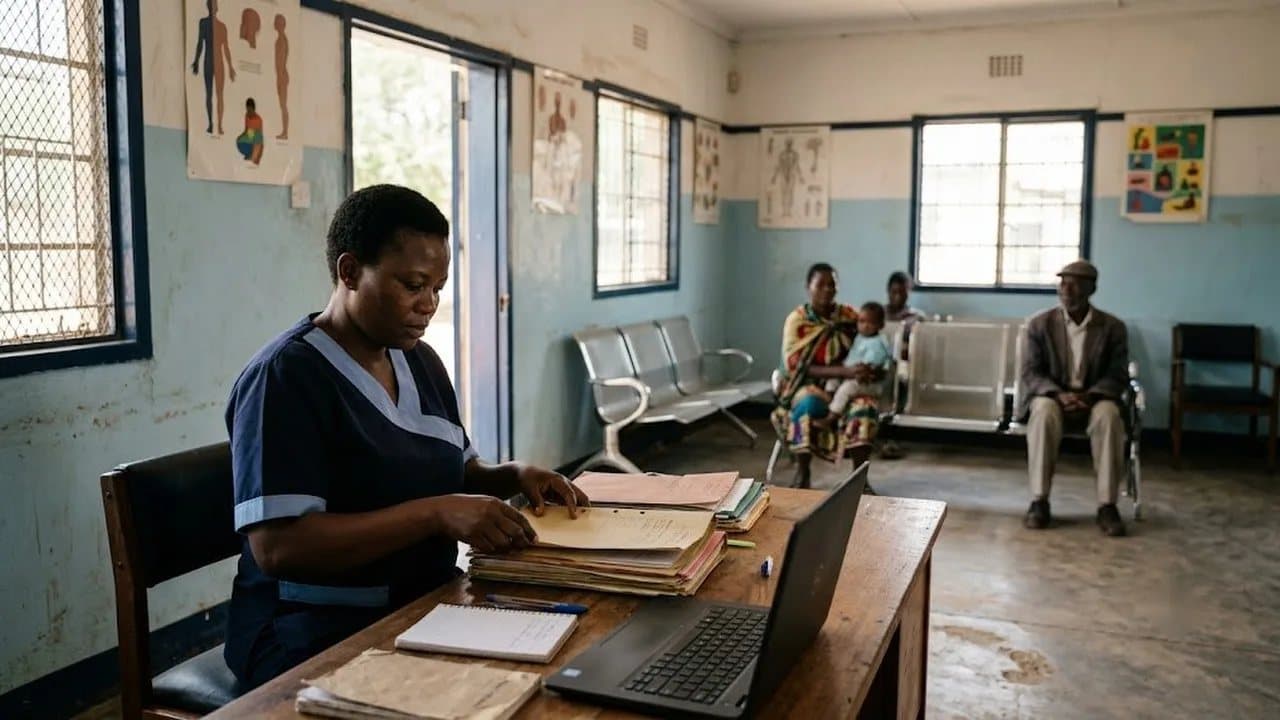
Running a small clinic in Zimbabwe in 2026 still means juggling patient cards, handwritten appointment books, and paper receipts for most practitioners. According to the Ministry of Health, over 70% of private clinics in the country still rely on manual record-keeping — a reality that leads to lost files, billing errors, and hours wasted on admin that could be spent treating patients.
The good news? You don't need a massive budget to go digital. Free clinic management software has matured to the point where a solo GP in Avondale or a maternity home in Bulawayo can run a modern, paperless practice without spending a single dollar on licensing fees.
This guide breaks down what free clinic management software actually means in the Zimbabwean context, what features matter most, and how to get started — even if you've never used practice management software before.
What Is Clinic Management Software (and Why Should You Care)?
Clinic management software is a digital system that handles the day-to-day operations of a healthcare practice. Think of it as your receptionist, filing cabinet, appointment diary, and billing department rolled into one screen.
A good system covers:
- Patient registration and records — digital files that never get lost or water-damaged during the rainy season
- Appointment scheduling — no more double-bookings or patients waiting three hours because the paper diary got confusing
- Consultation notes — doctors type or dictate notes directly into the system, linked to the patient's history
- Billing and payments — generate invoices, track who's paid, who hasn't, and reconcile with EcoCash or bank transfers
- Basic reporting — see how many patients you treated this month, revenue trends, and common diagnoses
For Zimbabwean clinics specifically, the software needs to handle multi-currency billing (USD and ZiG), work reliably despite power and internet interruptions, and integrate with local payment methods like EcoCash and InnBucks.
What "Free" Actually Means — And What to Watch Out For
Not all "free" software is created equal. Before you commit, understand the three models:
Truly Free (No Cost, No Catch)
Some software is genuinely free — no subscription fees, no per-patient charges, no premium tier you're pressured into upgrading to. Statotech Health falls into this category: it's a completely free clinic management system built specifically for Zimbabwean healthcare providers. There's no trial period and no hidden fees.
Open Source (Free but DIY)
Systems like OpenMRS, GNU Health, and OpenEMR are free to download and use. The catch? You need technical expertise to install, configure, and maintain them. For a clinic without an IT department — which is most clinics in Zimbabwe — this means hiring a developer or consultant, which quickly adds up. Open-source tools are powerful, but "free to use" doesn't mean "free to run."
Freemium (Free Until It's Not)
Many international platforms offer a free tier with limited features or patient caps. Once you outgrow the free plan, monthly subscription fees kick in — often in USD, which makes budgeting tricky when your revenue is split between currencies. These can work for very small practices, but read the fine print.
The bottom line: For most Zimbabwean clinics, a truly free system purpose-built for local conditions will save you time, money, and headaches compared to wrestling with open-source installations or outgrowing a freemium plan.
Key Features to Look for in Zimbabwe
Generic "best clinic software" lists from international sites miss the realities of running a practice in Harare or Mutare. Here's what actually matters on the ground:
Multi-Currency Billing
Your patients pay in USD, ZiG, and sometimes a mix of both. Your software must handle multi-currency invoicing natively — not as an afterthought. If you're dealing with exchange rate conversions, tools like ZimRate provide live USD-to-ZiG rates that some systems can integrate with, so your pricing stays accurate without manual updates.
EcoCash and Mobile Money Integration
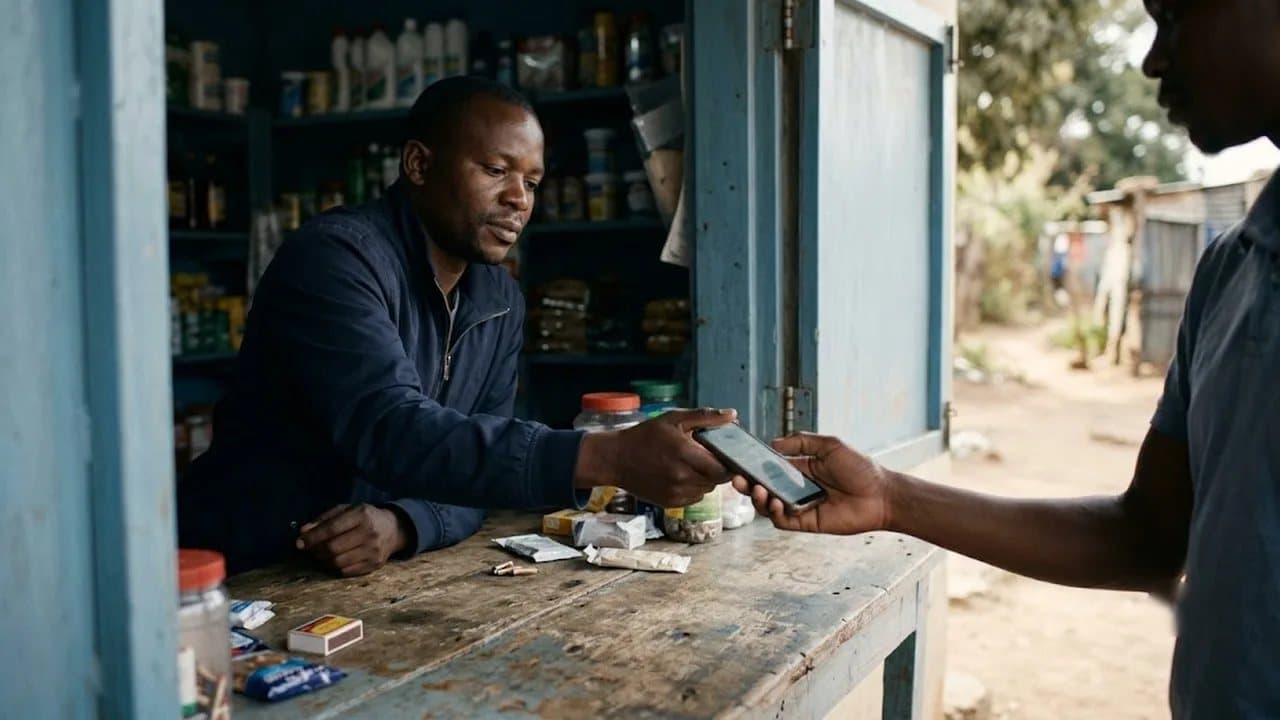
Cash is declining. EcoCash is how most Zimbabweans pay for everyday services, including medical consultations. If your software can't record and reconcile mobile money payments, you'll end up maintaining a separate spreadsheet — defeating the purpose of going digital.
Offline Capability
Load shedding and internet outages are a fact of life. Your clinic management system must work offline or at minimum queue data locally and sync when connectivity returns. A system that goes blank during a power cut is worse than a paper register.
Low Hardware Requirements
Not every clinic has brand-new computers. The software should run on modest hardware — an older laptop, a tablet, or even a smartphone in a pinch. Cloud-based systems that work through a web browser tend to have the lightest hardware requirements.
Patient History and Records
This is the core value proposition. Every visit, diagnosis, prescription, and lab result should be linked to a patient profile. When a patient returns six months later, their full history is one click away — no digging through folders. This isn't just convenient; it improves clinical outcomes.
ZIMRA-Compatible Receipting
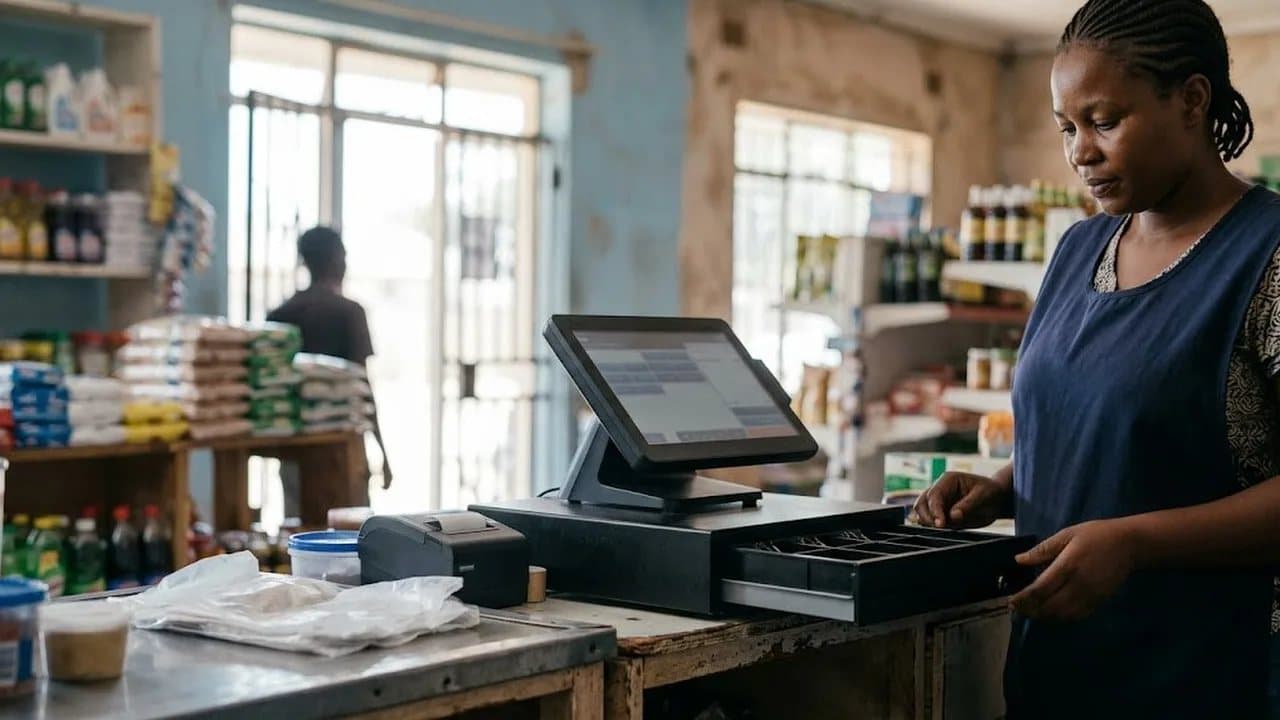
If your clinic issues fiscal receipts, your software should generate receipts that meet ZIMRA requirements. This saves you from running a separate point-of-sale system just for tax compliance.
How to Get Started: A Step-by-Step Setup Guide
Going digital sounds daunting, but the actual process is simpler than most clinic owners expect. Here's a practical roadmap:
Step 1: Audit Your Current Workflow
Before installing anything, spend one day documenting how your clinic currently operates. How do patients book? How are records filed? How do you bill? This tells you exactly which features you'll use from day one and which can wait.
Step 2: Choose Your Software
For most small-to-medium clinics in Zimbabwe, Statotech Health is the most practical starting point — it's free, requires no technical setup, handles multi-currency billing, and was designed for the Zimbabwean healthcare environment. If you're a larger facility with in-house IT, open-source options like OpenMRS are worth evaluating.
Step 3: Set Up Your Patient Database
Start by entering your current active patients. You don't need to digitise every file from the last decade on day one. Focus on patients you've seen in the past three months. Add historical records gradually as patients return for follow-up visits.
Step 4: Train Your Team
The receptionist and billing clerk are your most important users. Spend an afternoon walking them through patient registration, appointment booking, and payment recording. Doctors can learn the consultation module during quieter hours. Most modern systems are intuitive enough that a half-day of training is sufficient.
Step 5: Run Paper and Digital in Parallel
For the first two weeks, keep your old paper system running alongside the new software. This builds confidence and catches any issues before you fully commit. After two weeks, most clinics find the digital system faster and more reliable — and the paper backup quietly gets abandoned.
Common Mistakes to Avoid
Clinics that struggle with digital adoption usually make one of these errors:
- Trying to digitise everything at once. Start with registration and billing. Add modules as your team gets comfortable.
- Choosing software based on feature count. A system with 200 features you'll never use is harder to learn than one with 20 features you use daily.
- Ignoring backup. Even cloud-based systems should have local backups. Ask your provider how data is backed up and how you'd recover if something went wrong.
- Not assigning an "owner." Someone on your team should be the go-to person for the system — the one who handles questions, reports issues, and makes sure data stays clean.
- Forgetting about mobile money. If your software can't track EcoCash payments, your financial records will always be incomplete.
Why 2026 Is the Right Time to Switch
Three trends are converging to make this the best year for Zimbabwean clinics to go digital:
Internet access is expanding. Starlink and local fibre providers have dramatically improved connectivity in urban and peri-urban areas. The "we don't have reliable internet" excuse is fading fast.
Patient expectations are changing. Younger patients — and increasingly older ones — expect appointment reminders via WhatsApp, digital receipts, and quick check-ins. Clinics that can't offer this are losing patients to those that can.
Compliance is tightening. ZIMRA's push toward digital receipting and the Ministry of Health's electronic reporting requirements mean that going digital isn't just convenient — it's becoming necessary for compliance.
The clinics that adopt now will have clean data, trained staff, and smooth workflows by the time digital compliance becomes mandatory. Those that wait will be scrambling.
Get Started Today
You don't need a budget, an IT team, or a five-year digital transformation strategy. You need a free tool that works in your environment and fifteen minutes to create your first patient record.
Statotech Health is free clinic management software built for Zimbabwean clinics — from solo GPs to multi-room practices. It handles patient records, appointments, multi-currency billing, and EcoCash payments out of the box. No subscription fees, no patient limits, no trial period.
Visit health.statotec.com to set up your clinic today — it's completely free.
If you're managing pricing across USD and ZiG, pair it with ZimRate for live exchange rates and a free API that keeps your billing accurate.
Statotech Systems builds business software for Zimbabwe. From POS systems to school management to clinic software, we're making Zimbabwean businesses more efficient — one product at a time. Learn more at statotec.com.