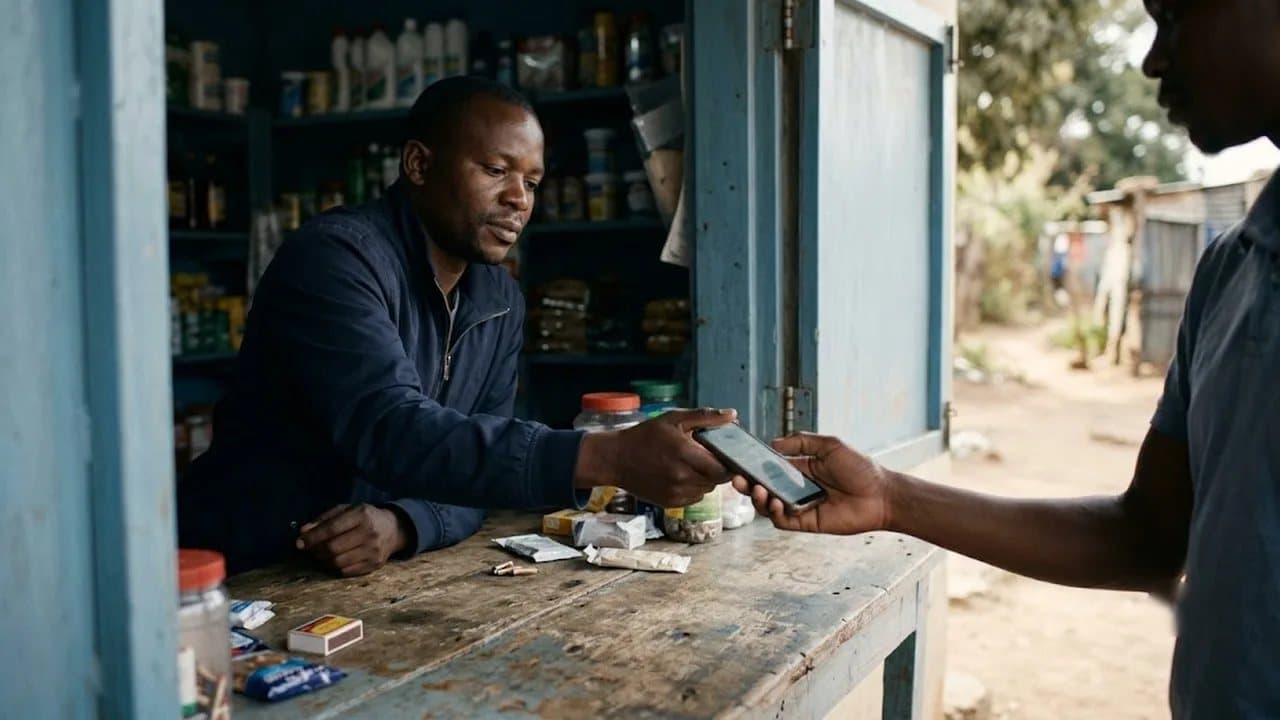
How to Set Up a QR Menu for Your Restaurant in 10 Minutes
You don't need a tech team, a big budget, or a full day. Just a phone, your menu, and ten minutes.
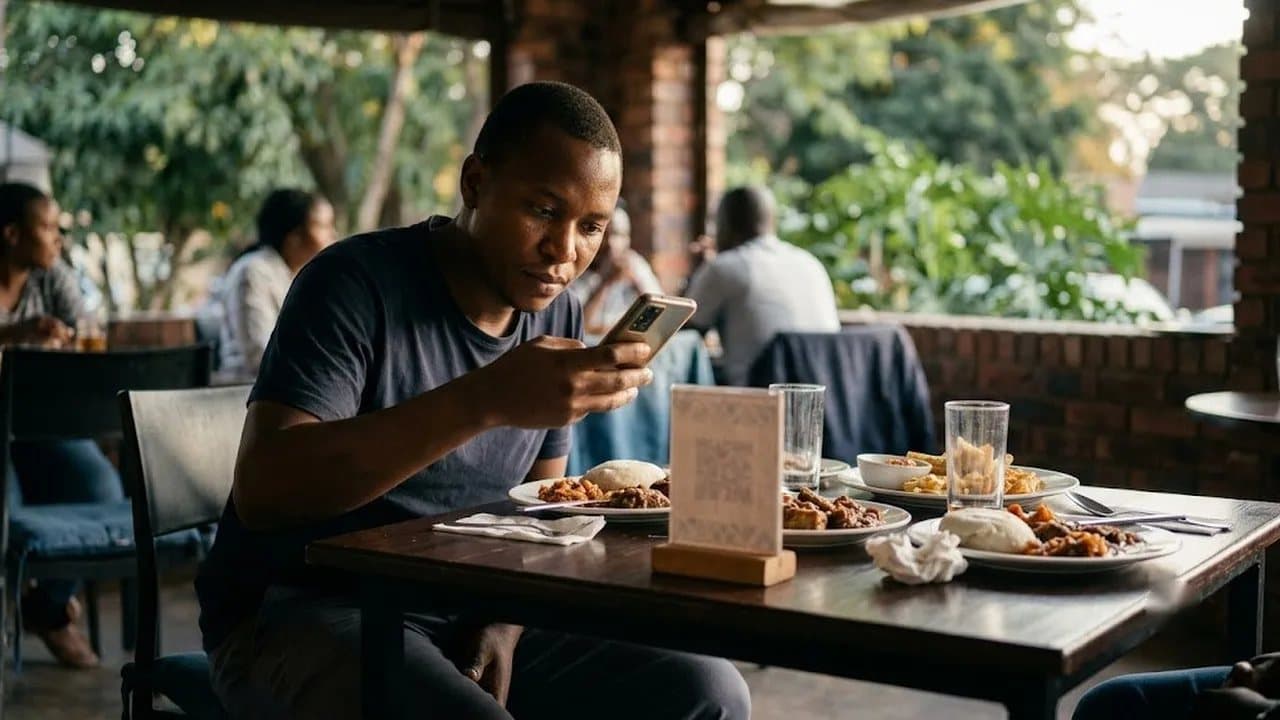
You don't need a tech team, a big budget, or a full day. Just a phone, your menu, and ten minutes.
Why Every Zimbabwean Restaurant Should Have a QR Menu by Now
If you run a restaurant in Harare, Bulawayo, or anywhere in Zimbabwe, you already know the pain: the ZiG rate shifts, your printed menu is suddenly wrong, and you're either reprinting everything or telling waitstaff to quote prices from memory.
That cycle costs real money. A single menu reprint for 40–50 copies runs US$150–300. If you're reprinting every month or two because of currency adjustments, that's over US$1,500 a year — just on paper.
A QR code menu fixes this permanently. Customers scan a code on the table with their phone camera, your menu loads in their browser, and every price they see is the one you set that morning. No app download. No Wi-Fi required. It works on any smartphone with mobile data.
The global restaurant industry adopted QR menus during COVID and never looked back. South African restaurants using digital menus report 30% improvements in staff efficiency. Nigerian and Kenyan restaurants are rolling them out through local platforms. In Zimbabwe, adoption is still early — which means restaurants that move now stand out from every competitor still handing customers a laminated sheet with crossed-out prices.
Here's how to set yours up in under 10 minutes.
Step 1: Create Your Account (2 Minutes)
First, pick a platform. You want something that:
- Works on any smartphone browser — no app download for your customers
- Supports USD and ZiG pricing (non-negotiable in Zimbabwe)
- Lets you update prices and items instantly from your phone
- Loads fast on mobile data, not just Wi-Fi
- Has a free tier so you can try it without risk
MenuWise is built specifically for this. It's a Zimbabwean-made platform designed for local restaurants, and it handles dual-currency pricing natively. The free plan gives you up to 10 menu items and 100 scans per month with no expiry — enough to test everything before you commit a single dollar.
Sign up with your email, add your restaurant name, upload your logo and a cover photo. That's your storefront. Two minutes, done.
Step 2: Build Your Menu (5 Minutes)
This is where most people expect the hard part. It isn't.
Add Your Categories
Think about how your customers order, not how your kitchen is organised. Start with the sections your customers actually look for:
- Starters / Appetisers
- Mains
- Sides
- Drinks (alcoholic and non-alcoholic, separated)
- Desserts
- Specials (optional — great for daily specials or promotions)
Add Your Items
For each dish, you'll enter:
- Name — keep it clear ("Grilled T-Bone Steak" not "Chef's Special #7")
- Price — set in USD, ZiG, or both. When the rate shifts, you update the number here and every customer sees it immediately
- Description — one or two lines that make people hungry. "300g T-bone with peri-peri butter, served with sadza and seasonal greens" sells better than "steak with sides"
- Photo — a smartphone photo in decent lighting works fine. Menus with food photos increase average order value by up to 20%. Start with your best sellers and add more over time
- Dietary tags — mark items as Halal, Vegetarian, Vegan, Gluten-free, or Spicy. Customers with dietary needs will thank you, and it saves your waitstaff from answering the same questions all night
Pro tip: Start with your 10 best-selling items if you're on the free plan. You can upgrade and add the full menu later. Most restaurants find that 60–70% of orders come from their top 10 items anyway.
Mark What's Unavailable
Ran out of something during service? Tap "sold out" and it's greyed out on the menu instantly. No more customers ordering something the kitchen can't make, no more awkward waiter apologies, no more wasted time.
Step 3: Generate and Print Your QR Codes (3 Minutes)
Once your menu is live, the platform generates a unique QR code for your restaurant. This is the only thing you'll ever print — and you only print it once, because the code stays the same even when you change your entire menu.
Download the QR code as a PDF. You can print it on:
- Table tents — the classic folded card that sits on every table
- Stickers — apply directly to the table surface or the menu holder
- Wall posters — place near the entrance or at the ordering counter
- Business cards — hand to customers for takeaway orders later
A set of 20–30 table QR codes costs a fraction of one full menu reprint. Many print shops in Harare and Bulawayo can turn these around same-day for under US$10.
The maths: One QR code print run (US$10) replaces monthly menu reprints (US$150–300 each). That's at minimum US$1,400 saved in your first year.
Step 4: Brief Your Staff (During the Next Shift)
Your staff doesn't need training. They need three sentences:
- "Scan this for our menu" — point customers to the QR code when they sit down
- "Everything is up to date" — the prices on the digital menu are the real prices, including today's ZiG rate
- "Open your camera and point it at the code" — for any customer who hasn't scanned a QR before (most people who use EcoCash already know how)
Keep a few paper menus behind the counter for the rare customer who genuinely can't scan. But don't be surprised when even older customers figure it out immediately — QR scanning is a daily habit in Zimbabwe thanks to mobile money.
Step 5: Use It Like a Living Menu
This is where a QR menu goes from "nice to have" to genuinely valuable. Unlike paper, your digital menu can change every single day:
- Morning: Add today's lunch special before you open
- Mid-service: Mark the grilled chicken as sold out when the kitchen runs low
- Rate change: Update all your ZiG prices in minutes using ZimRate as your reference for the current USD/ZiG exchange rate
- Weekend: Add a "Weekend Brunch" category on Friday evening, remove it Monday morning
- Promotion: Create a "Happy Hour" section with discounted drinks — visible only during the hours you choose
Your menu is now a marketing tool, not just a list of food. Use it.
What About Customers Without Smartphones?
This comes up every time, so let's address it directly.
Zimbabwe's smartphone penetration has grown rapidly, driven by affordable Android devices. In urban areas like Harare and Bulawayo — where most sit-down restaurants operate — the vast majority of your customers carry a smartphone capable of scanning a QR code.
For the small percentage who don't:
- Keep 3–5 paper menus behind the counter as backup
- Consider a tablet at the host stand showing the menu for walk-in customers to browse
You don't need 100% digital adoption for the QR menu to pay for itself. Even if 70% of your customers use it, you've already eliminated most of the pricing confusion, reduced printing costs to near zero, and freed up your waitstaff significantly.
What It Costs (Less Than You Think)
Most QR menu platforms offer a free tier. With MenuWise, the breakdown looks like this:
- Free — 10 items, 100 scans/month, 1 location. No expiry. Enough for a small café or to test the concept.
- Starter (US$7/month) — Unlimited items, 2,000 scans, custom QR code colours, customer reviews
- Professional (US$18/month) — Up to 3 locations, menu scheduling, extended analytics
- Business (US$40/month) — Unlimited everything, custom branding, priority support
No commissions. No per-scan fees. No long-term contracts.
Compare that to the US$150–300 you're spending every time you reprint menus. The paid plan pays for itself in the first month.
Your Menu Is Live. Now What?
Once your QR menu is running, you'll notice a few things within the first week:
- Faster table turns — customers browse and decide before the waiter arrives
- Fewer pricing complaints — what's on the screen is what they pay
- More upsells — food photos do the selling your waitstaff don't have time for
- Less waste — marking items as sold out in real time means fewer orders your kitchen can't fulfil
Track your results using the built-in analytics dashboard. MenuWise shows you total scans, which items customers look at most, and browsing patterns — data you never had with paper menus.
Get Started Now
You've read about it. Now do it. Go to menuwise.statotec.com, sign up for free, and build your first QR menu. Ten minutes from now, you'll have a digital menu that updates instantly, works on every smartphone, and never needs reprinting.
Your paper menu was fine for 2020. It's 2026. Time to upgrade.
Statotech Systems builds business software for Zimbabwe. From POS systems to school management to live exchange rates, we make tools that work for the way Zimbabwean businesses actually operate. Learn more at statotec.com.